
Author
Flags are optional modifiers that change the behavior of a regular expression. They are added after the closing / in literal syntax or as the second argument in the RegExp constructor.
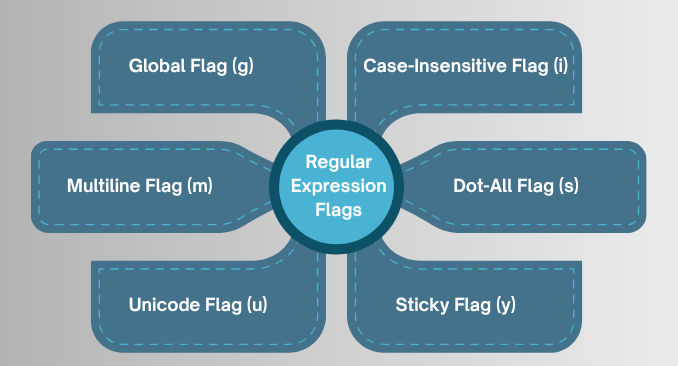
g)Searches for all matches in a string, not just the first one.
replace(), match(), and loops.const str = "apple banana apple";
const regex = /apple/g;
console.log(str.match(regex)); // ["apple", "apple"]
console.log(str.replace(regex, "orange")); // "orange banana orange"
i)Makes the match case-insensitive.
const str = "Hello World";
const regex = /hello/i;

console.log(regex.test(str)); // true
m)Changes the behavior of ^ (start) and $ (end) to match the start/end of each line, not just the string.
const str = `Hello
World`;

const regex1 = /^World$/;
console.log(regex1.test(str)); // false

const regex2 = /^World$/m;
console.log(regex2.test(str)); // true
s)Makes the dot . match newline characters as well.
const str = "Hello\\nWorld";
const regex1 = /Hello.World/;
console.log(regex1.test(str)); // false

const regex2 = /Hello.World/s;
console.log(regex2.test(str)); // true
u)Enables full Unicode support, including emojis and special characters.
0xFFFF.const str = "?";
const regex = /\\u{1F496}/u;
console.log(regex.test(str)); // true
y)Matches from the exact position in the string (like lastIndex) rather than searching ahead.
const str = "hello hello";
const regex = /hello/y;

console.log(regex.exec(str)); // ["hello"]
regex.lastIndex = 6;
console.log(regex.exec(str)); // ["hello"]
| Flag | Description |
|---|---|
g |
Global search (all matches) |
i |
Case-insensitive search |
m |
Multiline mode (^ and $ match each line) |
s |
Dot matches newline (. matches \\n) |
u |
Unicode mode |
y |
Sticky search (match from lastIndex) |
