
Author
When you move from development to production, using Docker in a basic way is not enough. Production environments need security, performance, scalability, and reliability.
In this guide, you’ll learn how to use Docker in a more advanced and production-ready way so your applications run smoothly in real-world systems.
? In simple words: Production Docker is about running containers safely, efficiently, and at scale.
Running containers in production is very different from running them locally.
? Without proper practices, containers can become slow, insecure, or unstable.
Always use minimal and trusted base images to improve performance and security in production environments.
Best Practices
FROM openjdk:17-jdk-slim
? Smaller images = faster deployment + fewer vulnerabilities.
Multi-stage builds help reduce image size and remove unnecessary build files.
# Stage 1: Build
FROM maven:3.9.9-eclipse-temurin-21 AS build
WORKDIR /app
COPY . .
RUN mvn clean package -DskipTests

# Stage 2: Run
FROM openjdk:17-jdk-slim
WORKDIR /app
COPY --from=build /app/target/app.jar app.jar
ENTRYPOINT ["java","-jar","app.jar"]
? Only the final JAR is included in the production image → clean & optimized.

Never hardcode sensitive data like passwords.
docker run -e DB_PASSWORD=secret springboot-app
? Use environment variables for:
Ensure your application restarts automatically if it crashes.
docker run -d --restart=always springboot-app
? Common options:
no → defaulton-failure → restart on erroralways → always restart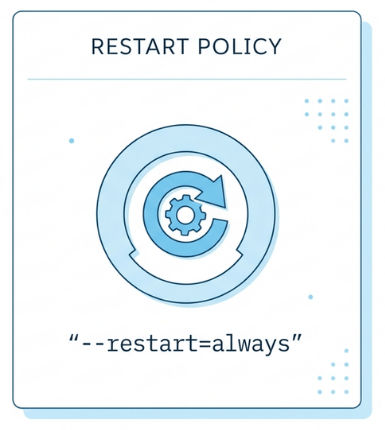
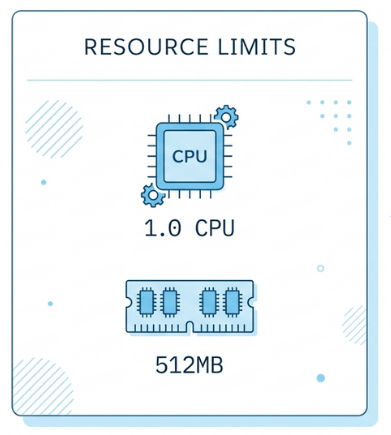
Limit CPU and memory usage for containers.
docker run -d \\
  --memory="512m" \\
  --cpus="1.0" \\
  springboot-app
? Prevents one container from consuming all system resources.
Never store important data inside containers.
docker run -d \\
  -v my_volume:/data \\
  mysql
? Keeps data safe even if container is removed.
Logs are critical in production.
docker logs <container_id>
? Best practices:
Connect multiple containers securely.
docker network create my_network

docker run -d --network my_network app
? Helps services communicate safely (e.g., app + database).
Security is critical in production.
? A small security mistake can lead to major issues.
Manage multiple services easily.
version: '3'
services:
  app:
    image: springboot-app
    ports:
      - "8080:8080"
  db:
    image: mysql
? Useful for:
Ensure your container is running properly.
HEALTHCHECK CMD curl --fail <http://localhost:8080> || exit 1
? Helps Docker detect unhealthy containers automatically.
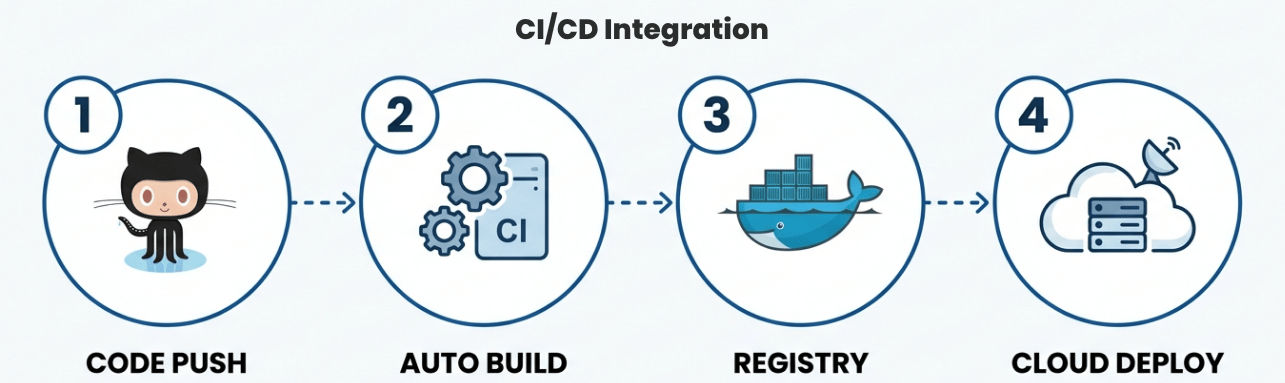
Automate your build and deployment process to make your workflow faster and more reliable.
Common flow:
Why it matters: Saves time, reduces manual errors, and ensures consistent deployments.
Using Docker in production requires more than just running containers. You need to focus on:
By following these advanced practices, you can build robust, production-ready applications that are fast, secure, and easy to manage.
