
Author
Java NIO (New I/O) was introduced in Java 1.4, and later enhanced as NIO.2 in Java 7. It provides faster, scalable, non-blocking I/O and a modern file API compared to traditional java.io.
Java NIO (New I/O) was introduced in Java 1.4 to overcome the limitations of traditional Java I/O (streams). It provides faster, non-blocking, and buffer-oriented data processing.

A) Buffer
ByteBuffer, CharBuffer, IntBuffer, etc.B) Channel
FileChannelSocketChannelServerSocketChannelDatagramChannelC) Selector
FileInputStream fis = new FileInputStream("data.txt");
FileChannel channel = fis.getChannel();

ByteBuffer buffer = ByteBuffer.allocate(1024);
channel.read(buffer);

buffer.flip();
while (buffer.hasRemaining()) {
    System.out.print((char) buffer.get());
}

channel.close();
fis.close();
RandomAccessFile file = new RandomAccessFile("data.txt", "r");
FileChannel channel = file.getChannel();

MappedByteBuffer buffer = channel.map(FileChannel.MapMode.READ_ONLY, 0, channel.size());

while (buffer.hasRemaining()) {
    System.out.print((char) buffer.get());
}
NIO.2 is an upgraded version introduced in Java 7, primarily for file handling, directories, and file system operations.
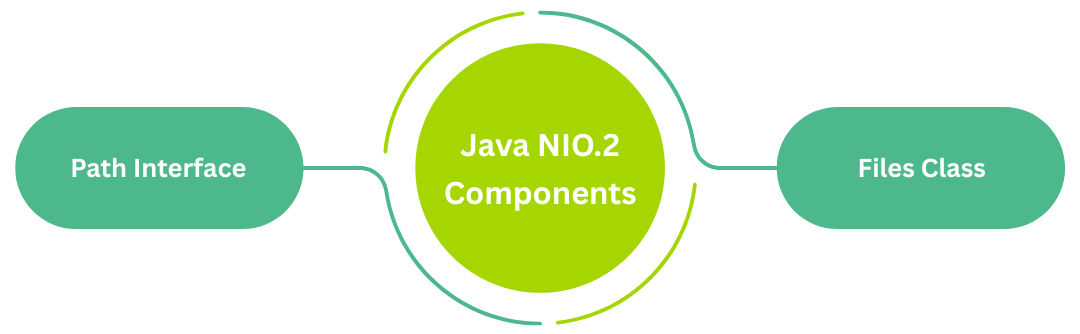
A) Path Interface
Represents a file path.
Path path = Paths.get("files/data.txt");
B) Files Class
Contains 100+ utility methods for file operations:
Check file exists
Files.exists(path);
Read all lines
List<String> lines = Files.readAllLines(path);
Write to file
Files.write(path, "Hello Java".getBytes());
Copy file
Files.copy(source, destination, StandardCopyOption.REPLACE_EXISTING);
Move file
Files.move(oldPath, newPath);
Delete file
Files.delete(path);
Path dir = Paths.get("logs");
try (DirectoryStream<Path> stream = Files.newDirectoryStream(dir)) {
    for (Path file : stream) {
        System.out.println(file.getFileName());
    }
}
Files.walk(Paths.get("src"))
     .forEach(System.out::println);
Used to detect:
WatchService watchService = FileSystems.getDefault().newWatchService();
Path path = Paths.get("data");

path.register(watchService, StandardWatchEventKinds.ENTRY_CREATE);

WatchKey key = watchService.take();
for (WatchEvent<?> event : key.pollEvents()) {
    System.out.println("New File: " + event.context());
}
| Feature | Java NIO (Java 1.4) | Java NIO.2 (Java 7) |
|---|---|---|
| Purpose | High-performance I/O (non-blocking, scalable) | Modern, simplified file handling and filesystem operations |
| Main Concept | Buffers, Channels, Selectors | Path, Paths, Files, FileVisitor, WatchService |
| Focus Area | Network I/O, buffer-based processing | File system operations (copy, move, delete, read, write, monitoring) |
| File Handling | Limited & complex using FileChannel | Very easy using Files class |
| Path Handling | Not available | Introduced Path interface (replaces File) |
| Directory Traversal | Manual, difficult | Simple with Files.walk() and FileVisitor |
| File Monitoring | Not supported | Supported via WatchService |
| Copy / Move Files | Requires manual byte operations | One line: Files.copy(), Files.move() |
| Delete Files | Using File API or channel workaround | Files.delete() (clean, reliable) |
| Exception Handling | Traditional I/O exceptions | Enhanced exceptions (e.g., FileAlreadyExistsException) |
| Symbolic Links | No direct support | Full support in NIO.2 |
| Use Case | High-performance server networking | Modern file operations & directory management |
